
Starting Wing
On the CS department Linux systems, you can start the Wing IDE in one of two ways:
- By entering the command wing at the command-line prompt in a terminal window, or
- Via the "Applications" menu. The Wing IDE menu option is located under the submenu:
Development | More Programs | Wing IDE 101 3.2
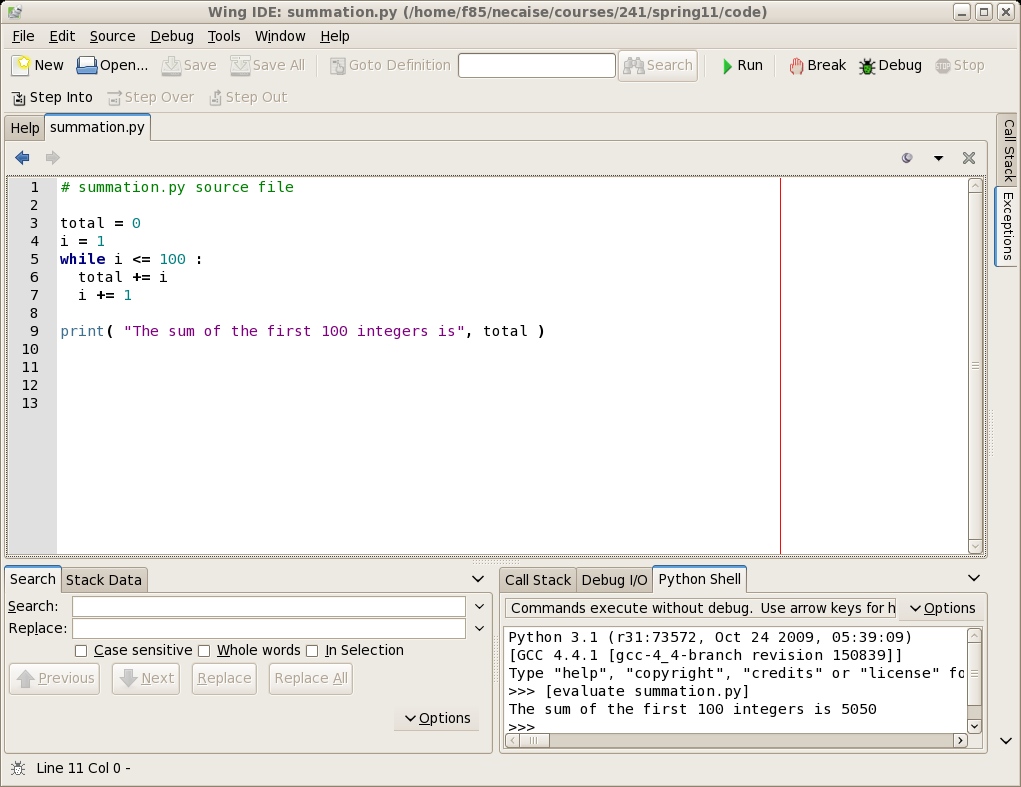
This should start the Wing IDE application and open a window that looks similar to the following